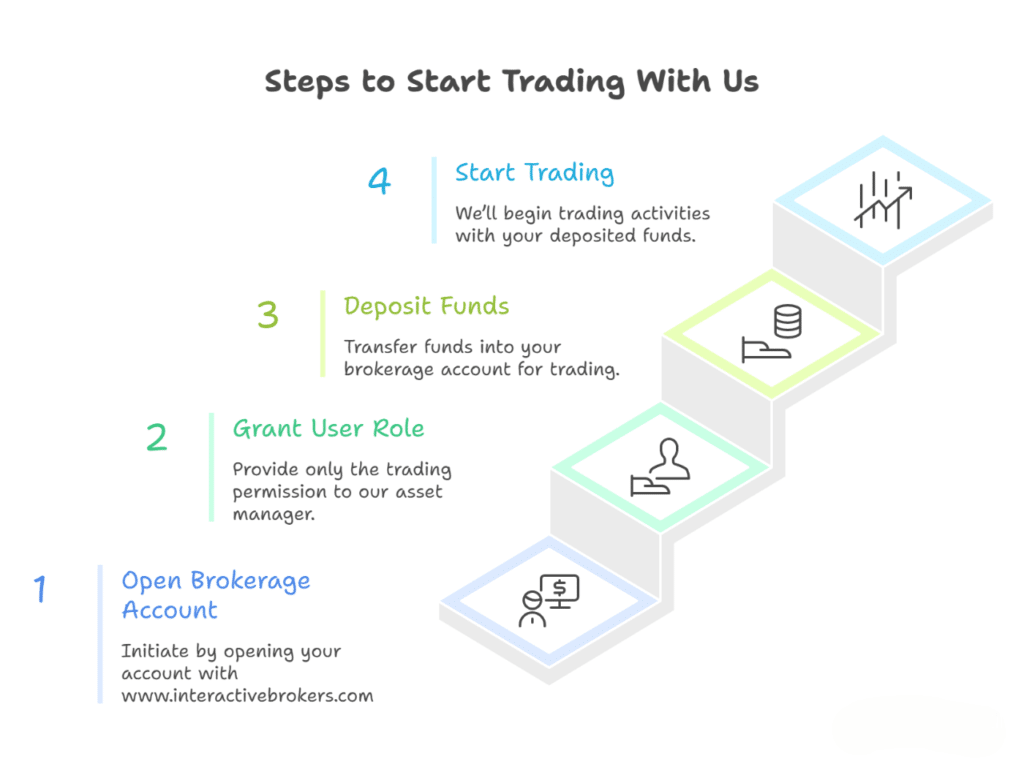
You’ll create a Trader role with only the trading permission from your brokerage account’s portal. Then you’ll create a new user following our asset manager’s identity based on the Trader role you created. Next, you’ll authorize the power of trading & proof of trader from your portal’s notification.
Finally, you’ll give us the new user’s credential (login username & password). Further, the broker will verify the identity of our asset manager who will work as your portfolio manager. Thus, we’ll get access to your brokerage account with the trading permission only. You can delete our asset manager from your user list at any time. You can follow the link as a reference: https://www.youtube.com/watch?v=C-ND1eURgok